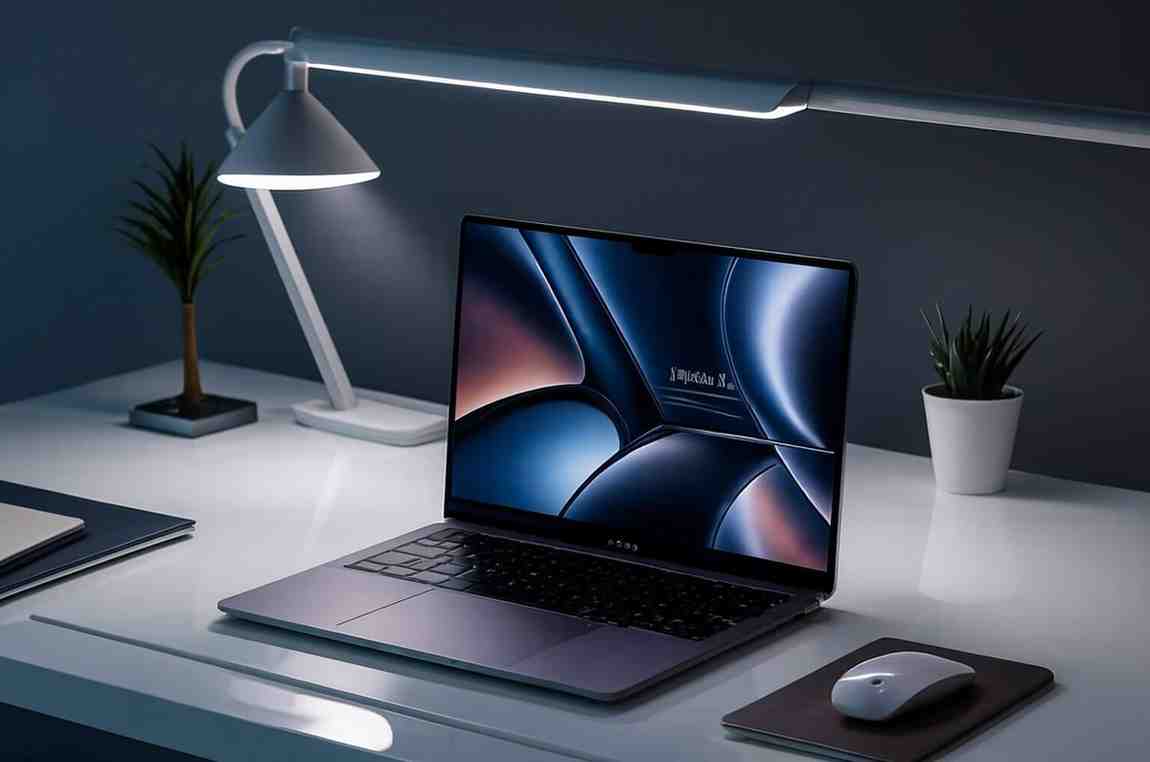


Yes, with its 13th Gen Intel i3 processor, 8GB RAM, and 512GB SSD, the Vivobook 15 handles studying, assignments, office tasks, and multitasking efficiently.
We independently review everything we recommend. When you buy through our links, we may earn a commission. How we evaluate
ASUS Vivobook 15 Review: Best Budget Laptop with 13th Gen Intel i3
Last updated 15th January 2026
8 min read
Table of Contents
Finding a reliable laptop under ₹40,000 in India can feel challenging, especially if you need a device that can handle multiple applications, last through a full day of work or study, and remain portable. The ASUS Vivobook 15 featuring the 13th Gen Intel Core i3-1315U is designed to meet these everyday requirements without compromising on performance or build quality.
In this review, we’ll dive deep into the Vivobook 15’s design, display, processing power, and usability. We’ll also compare it with other popular laptops in the same price range to give you a clear picture of how it stands out. Additionally, we’ve included a concise buying guide to help you make an informed decision and choose the best laptop for your needs and budget.
How We Selected the ASUS Vivobook 15
The ASUS Vivobook 15 was chosen based on key factors that matter for a budget laptop:
- Performance: Smooth everyday tasks with 13th Gen Intel i3, 8GB RAM, and SSD.
- Portability & Build: Lightweight (~1.7 kg) with durable chassis and 180° hinge.
- Display & Usability: 15.6" FHD anti-glare screen for comfortable long-term use.
- Battery & Efficiency: Reliable endurance for work, study, and streaming.
- Features & Connectivity: USB-C, HDMI, Wi-Fi 6, and backlit keyboard for modern needs.
- Value for Money: Compared with competitors to ensure the best balance of performance and affordability.
ASUS Vivobook 15 Price & Details
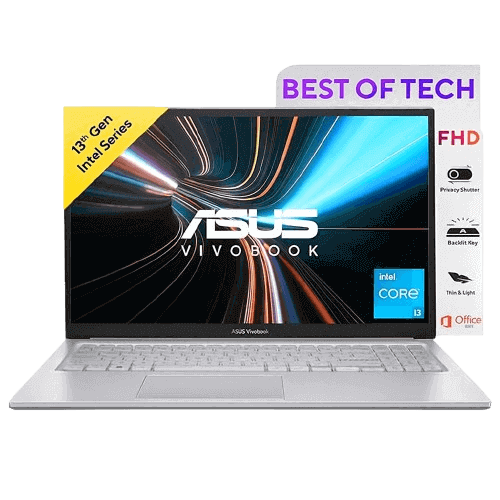
ASUS Vivobook 15
₹44,990₹44,990
Prices may vary by location and availability, so check the latest price before buying to avoid any surprises.
Pros
- Affordable under ₹35,000
- 13th Gen Intel Core i3 with smooth everyday performance
- 8GB RAM + 512GB SSD for fast multitasking
- Lightweight (~1.7 kg) with backlit keyboard
- Good 15.6" FHD anti-glare display
- Multiple ports including USB-C, HDMI, Wi-Fi 6
Cons
- Limited color accuracy (45% NTSC)
- Plastic build
- Not for heavy gaming or creative software
- Average battery under heavy use
Detailed Specifications of ASUS Vivobook 15
Design & Build
The ASUS Vivobook 15 comes in a sleek silver finish, showcasing a slim and modern aesthetic that fits well in both professional and student environments. Weighing just 1.7 kg, it is light enough to carry around throughout the day, whether you’re commuting to classes or moving between workspaces. Its 180° hinge allows the display to lay completely flat, adding flexibility for collaborative work or presentations.
While the body is made of plastic, it feels surprisingly sturdy for daily use. The inclusion of a backlit keyboard is a standout feature in this price range, making typing comfortable even in dimly lit environments. Overall, the Vivobook 15 combines portability, durability, and a practical design for everyday productivity.
Display Experience
The 15.6-inch Full HD screen offers a clear and bright display that works well for browsing, office tasks, streaming, and casual content creation. The anti-glare coating helps reduce reflections, making it easier to work in bright rooms or near windows. The display is comfortable for long study sessions or extended office hours without causing eye strain.
However, color accuracy is limited, covering approximately 45% of the NTSC spectrum, which means it may not be suitable for professional graphic design or heavy creative work. For general productivity, media consumption, and light editing, the screen performs well and delivers a satisfactory visual experience for the price.
Performance & Everyday
The ASUS Vivobook 15 is powered by the 13th Gen Intel Core i3-1315U, providing reliable performance for daily tasks such as web browsing, Microsoft Office applications, video calls, and even light coding. With 8GB of RAM and a 512GB SSD, multitasking is smooth, and boot times are quick, making it convenient for students and professionals who need efficiency without compromise. While it handles everyday productivity tasks with ease, it is not designed for gaming or advanced creative editing. For those seeking more processing power or gaming capabilities, our guide on the best laptops under ₹50,000 in India offers excellent alternatives.
Battery Life & Cooling
The 42Wh battery delivers solid endurance for this segment. Under typical office work and browsing, you can expect around five to six hours of usage, while light tasks such as streaming or document editing can last up to seven hours. Heavier workloads reduce battery life to three to four hours. Cooling performance is adequate for everyday use; the laptop remains quiet during normal activities but can become noticeably louder under high loads, such as extended multitasking sessions or heavy application use.
Ports & Connectivity
The Vivobook 15 comes well-equipped with modern connectivity options, including USB Type-C and USB-A ports, HDMI 1.4 for external displays, Wi-Fi 6 for faster and more reliable internet connections, and Bluetooth 5.1 for seamless pairing with peripherals. This variety ensures you can easily connect external monitors, storage devices, and other accessories, making the laptop a flexible choice for both work and study environments.
Intel vs AMD: Which Processor Should You Choose?
Choosing the right processor is key when buying a budget laptop. The ASUS Vivobook 15 comes with the 13th Gen Intel Core i3, while competitors in the same range may use AMD Ryzen 3 processors. Here’s a quick comparison:
- Performance: Intel i3 handles everyday tasks smoothly; Ryzen 3 offers similar multitasking performance.
- Power Efficiency: Intel i3 is slightly more power-efficient in light workloads; Ryzen 3 can run warmer under load.
- Gaming & Creative Work: Neither is ideal for heavy gaming or demanding creative software at this price point.
- Long-term Usage: Intel and AMD both provide good performance for general productivity over several years.
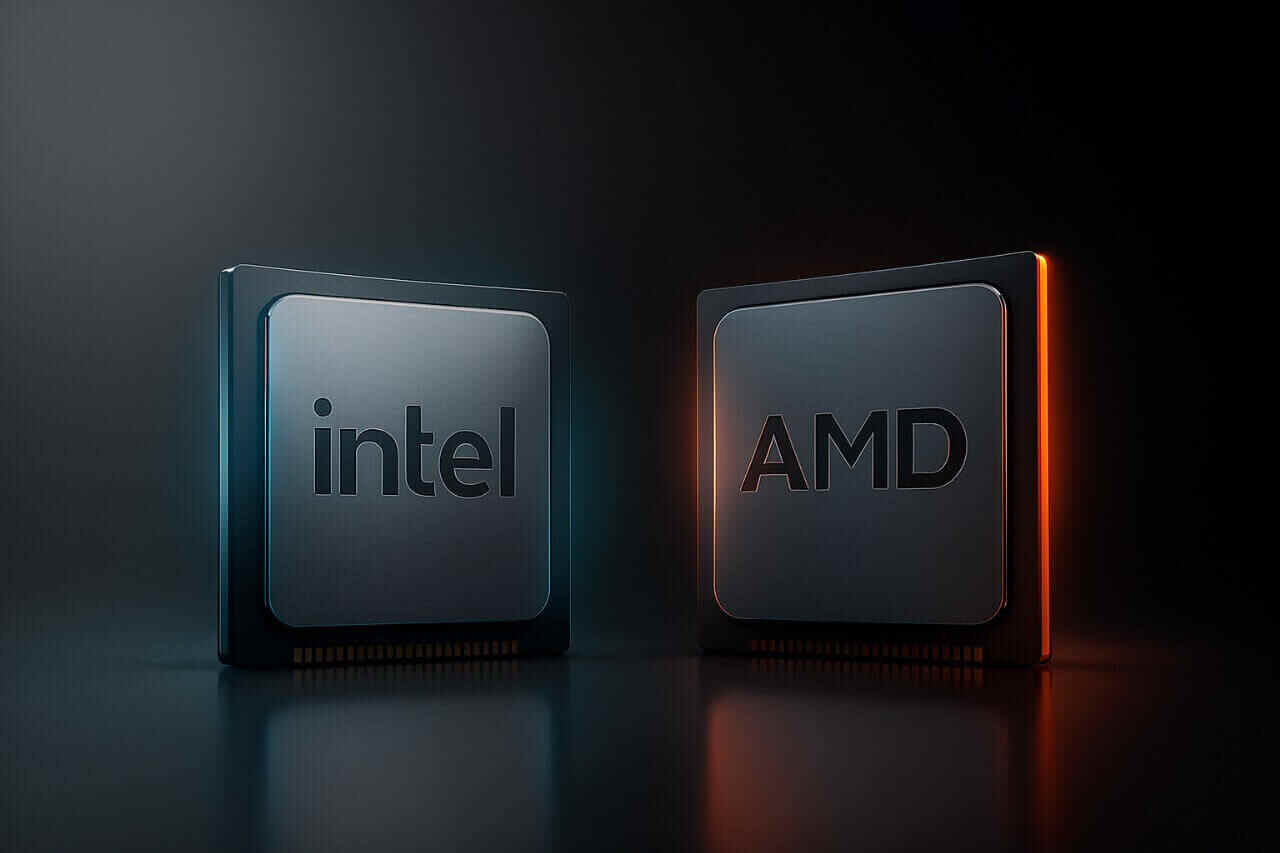
Intel vs AMD: How to Choose the Right Laptop Processor
Price & Competitor Comparison
The prices below are indicative and may vary due to market changes or discounts. Use this for a general comparison.
Who Should Buy & Who Should Not
Choosing the right laptop depends on your daily tasks, performance needs, and budget. The ASUS Vivobook 15 caters to some users perfectly, while others may find it limiting.
Who Should Buy
- Students needing a reliable laptop for studying, assignments, and projects
- Professionals seeking a lightweight, portable laptop for office tasks
- Casual users for web browsing, streaming, and basic productivity
- Buyers on a budget looking for a laptop under ₹35,000
Who Should Not Buy
- Users who do heavy gaming or want high-end graphics performance
- Professionals requiring color-accurate displays for design or creative work
- Power users needing long battery life under intensive workloads
- Those looking for a premium build or high refresh rate display
Final Verdict
The ASUS Vivobook 15 is a solid budget laptop under ₹35,000, offering a reliable balance of performance, portability, and everyday usability. With the 13th Gen Intel Core i3, 8GB RAM, 512GB SSD, and a backlit keyboard, it handles daily tasks, office work, and student projects smoothly.
While not suited for heavy gaming or demanding creative work, it delivers excellent value for productivity, streaming, and casual use. For anyone seeking an affordable, lightweight, and efficient laptop, the Vivobook 15 is a practical choice that won’t break the budget.
Frequently Asked Questions
The 42Wh battery provides around 5–6 hours of typical use and up to 7 hours for light tasks. Heavy workloads may reduce it to 3–4 hours.
Yes, the Vivobook 15 features a backlit keyboard, making it comfortable to type in dimly lit environments.
This laptop is suitable for casual gaming and light editing but not designed for heavy gaming or professional creative software.
Published 24th September 2025
About the Author

Lightning MQ | Insights Analyst
Hi! I’m a developer, content writer, and product reviewer with over three years of experience. I enjoy exploring the latest technology, testing product and gadgets, and sharing clear, honest insights. My goal is to help readers make informed decisions while keeping tech easy, fun, and approachable.